
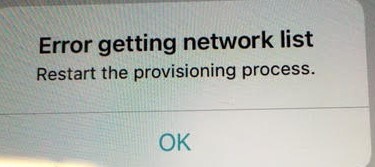
Whenever a customer gets a provisioning error on setup when it should be selecting a WiFi connection.
The basic troubleshooting should be:
- Do a Factory Reset on the rebooter
- On the phone where they are setting it up, perform a restart
- If the provisional WiFi signal is there, ask to delete it.
- Check if permissions are granted to the app such as Location, Local Network, Home Data, Siri, and Cellular Data.
- If none of the above, please change the device to set it up.